The intranet for your company – ready to use
innoclix hub is an intranet system for any kind of company: ready to use and set up in just a few steps – with time tracking, leave, HR, projects and tools such as vehicle and IT management in one place.
- Microsoft 365 sign-in
- Hosted in Germany
- Ready to use
What is innoclix hub?
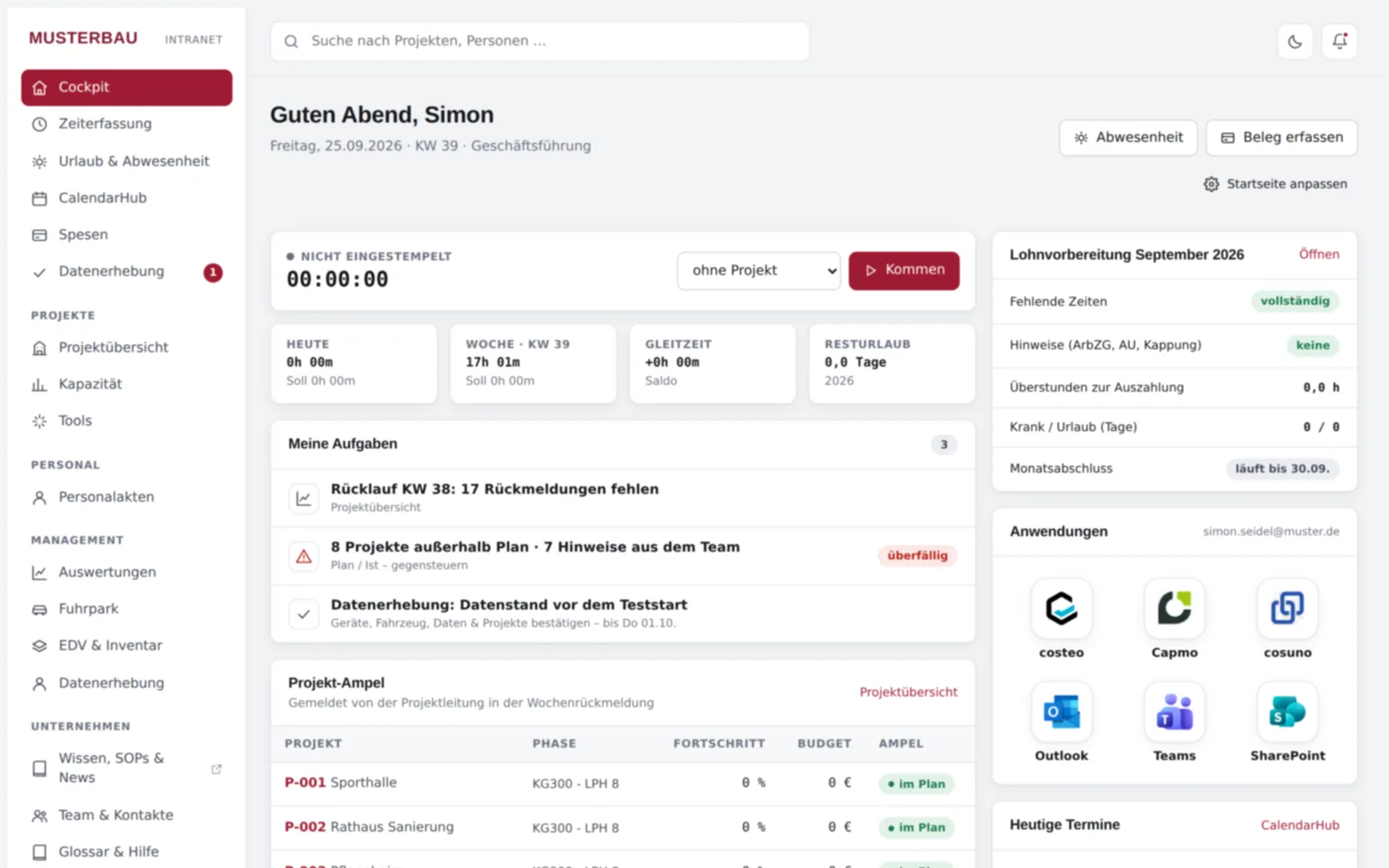
innoclix hub is an intranet system that is ready to use right away and can be set up in just a few steps. Employees sign in with Microsoft 365 and find everything they need in their daily work in the cockpit – from the time clock and leave requests to projects and tools such as vehicle and IT management.
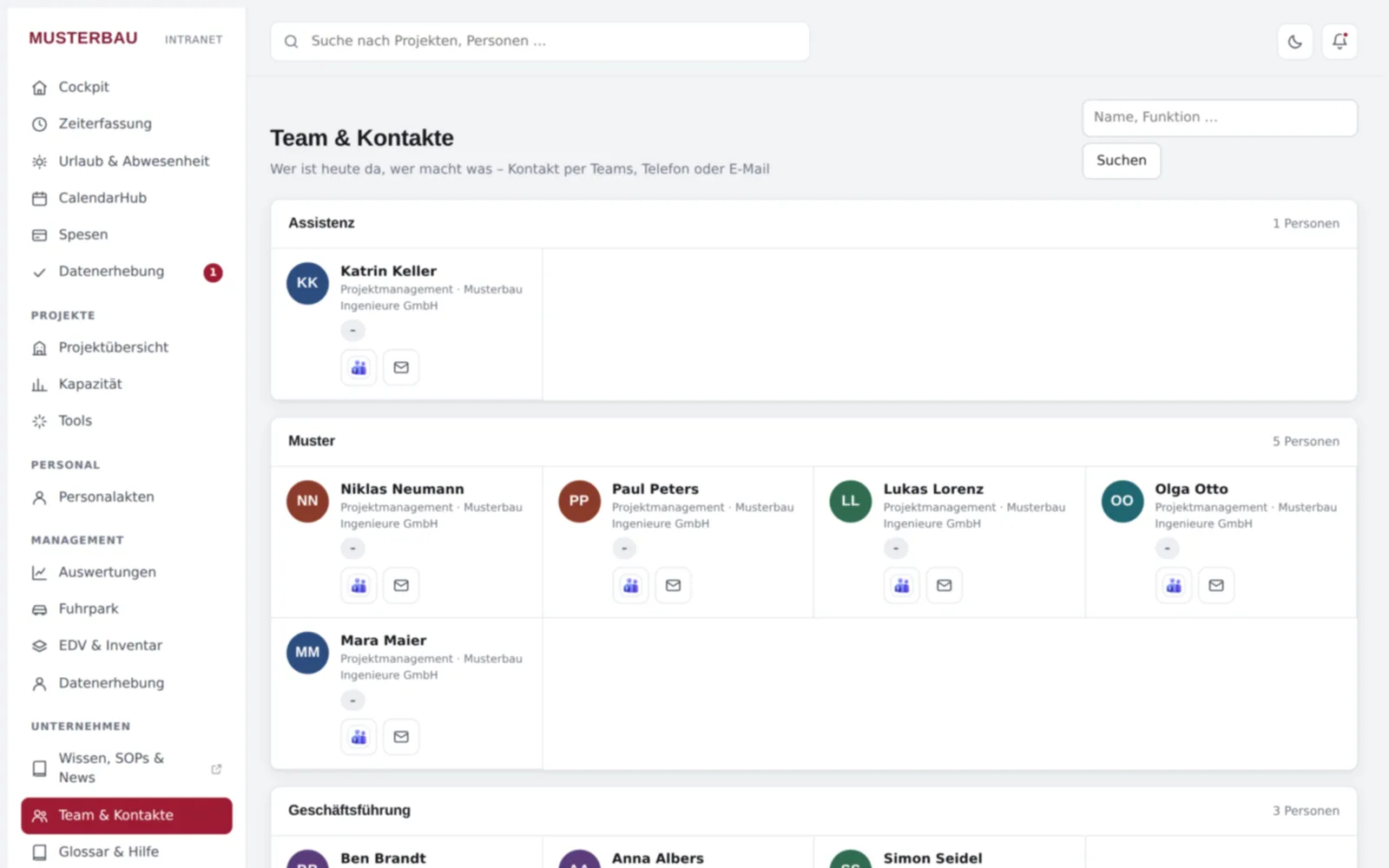
- Cockpit: start page for all employees with notifications and search.
- Microsoft 365 sign-in: Microsoft Entra ID with single sign-on – the intranet stores no passwords.
- Hosted in Germany.
- Roles and permissions: employees, assistants/management, department heads, HR, executive management and administration; multiple companies supported.
- Logging: changes and exports are recorded in an audit log.
- Widgets: external tools such as costeo can be embedded.
Everything your team needs day to day
Time tracking
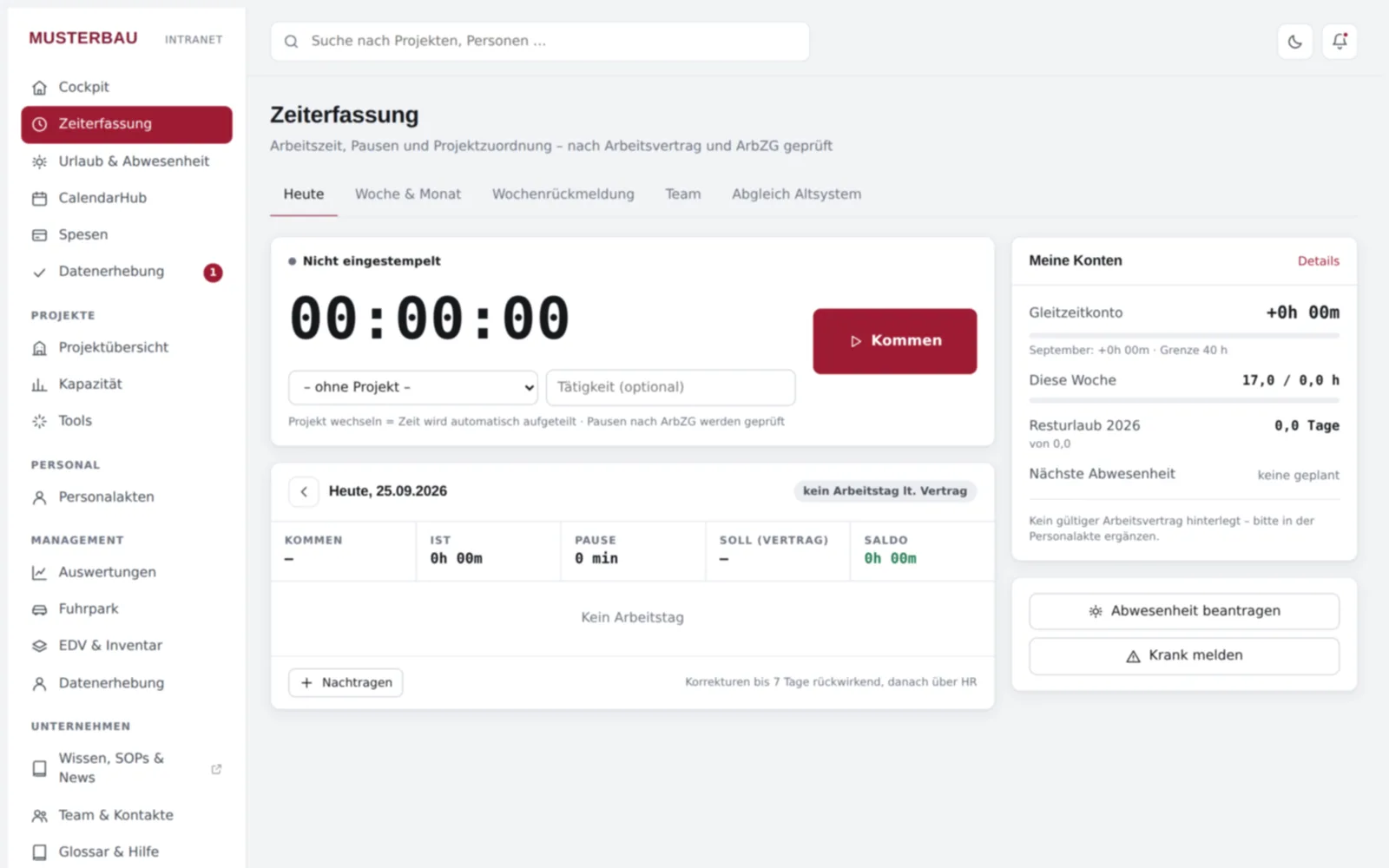
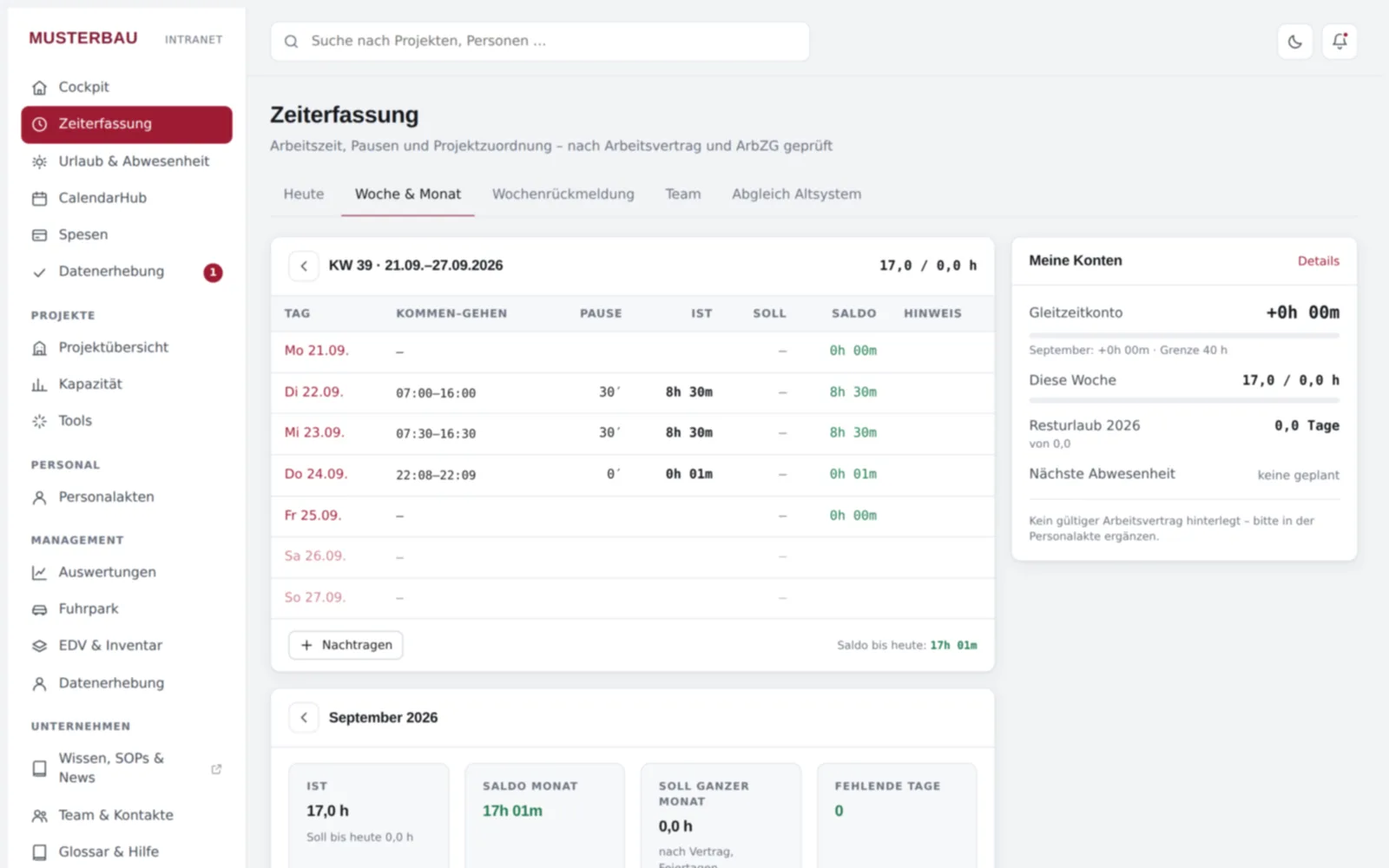
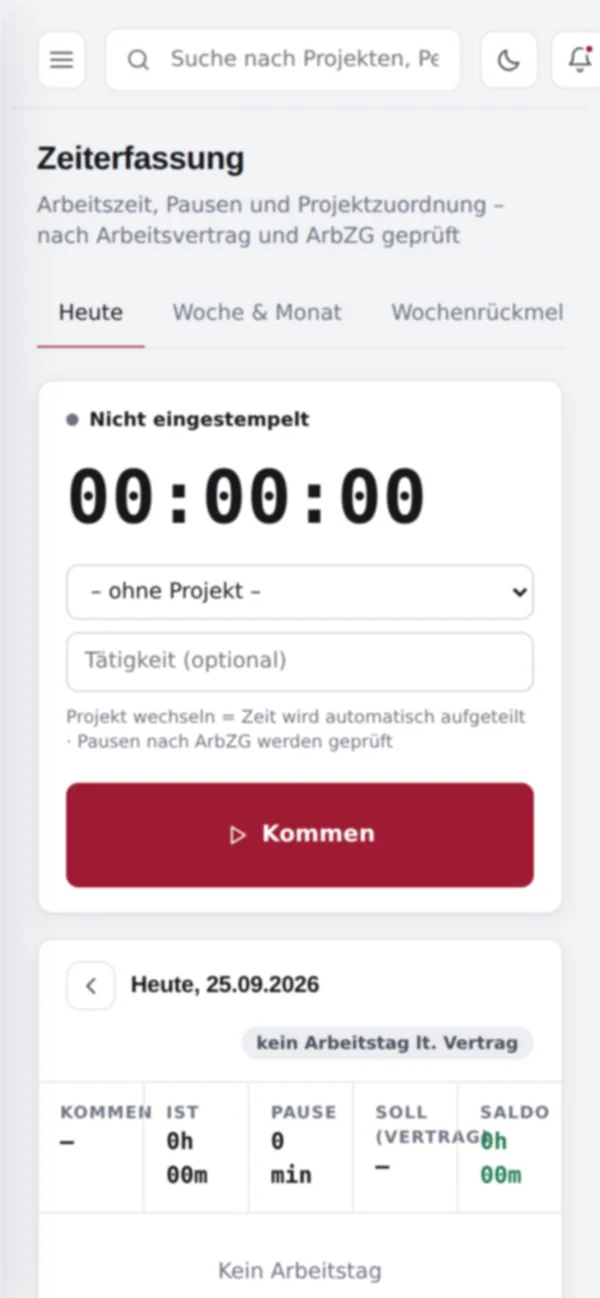
Time clock with weekly feedback; policy with break rules under the German Working Hours Act (ArbZG), rounding, maximum working hours, correction deadline, month-end closing and overtime/flexitime rules.
Leave & absence
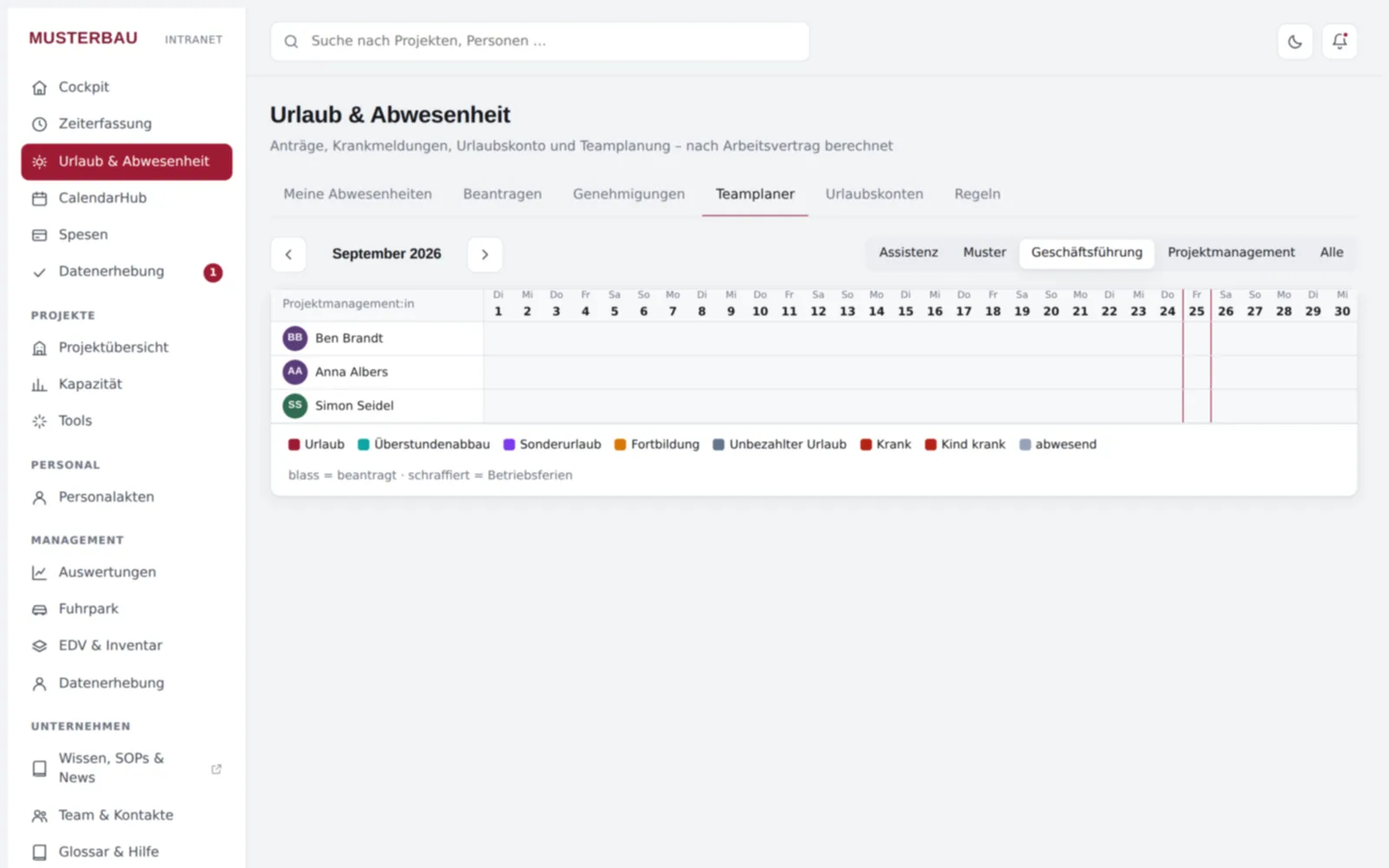
Requests and approval, leave balance and sick notes.
HR
Personnel files with contracts and documents, protected by a role and permission concept.
Projects & controlling
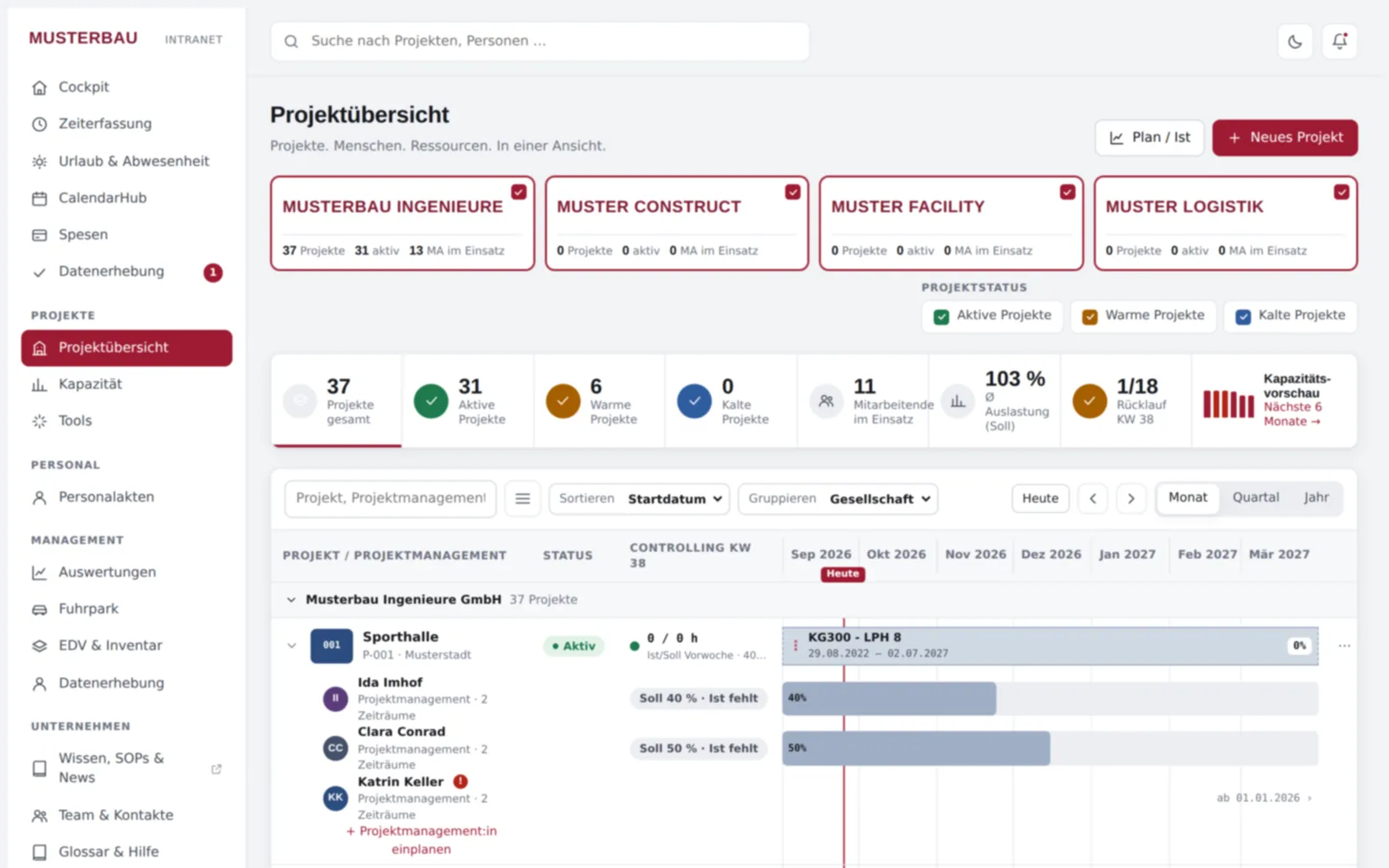
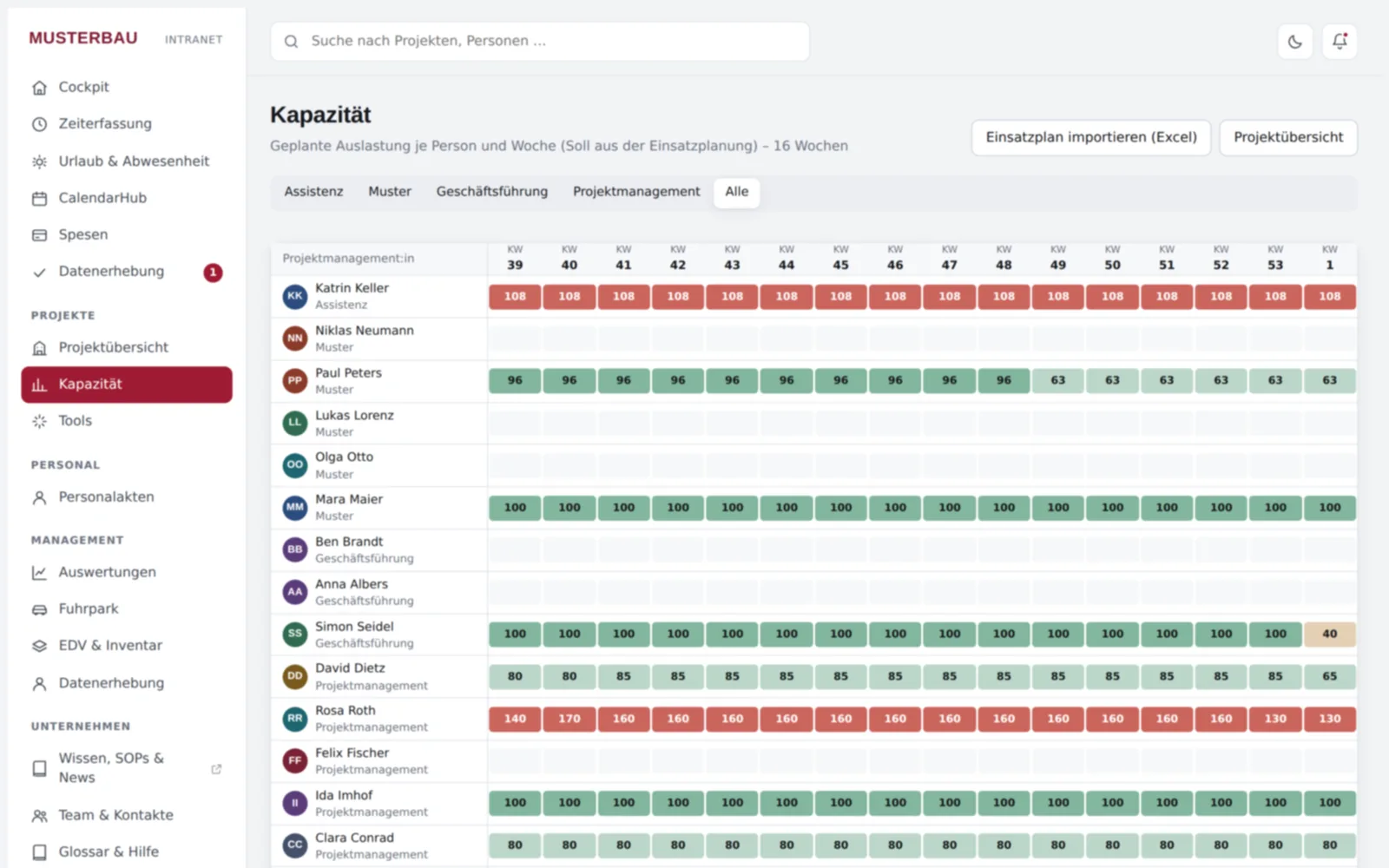
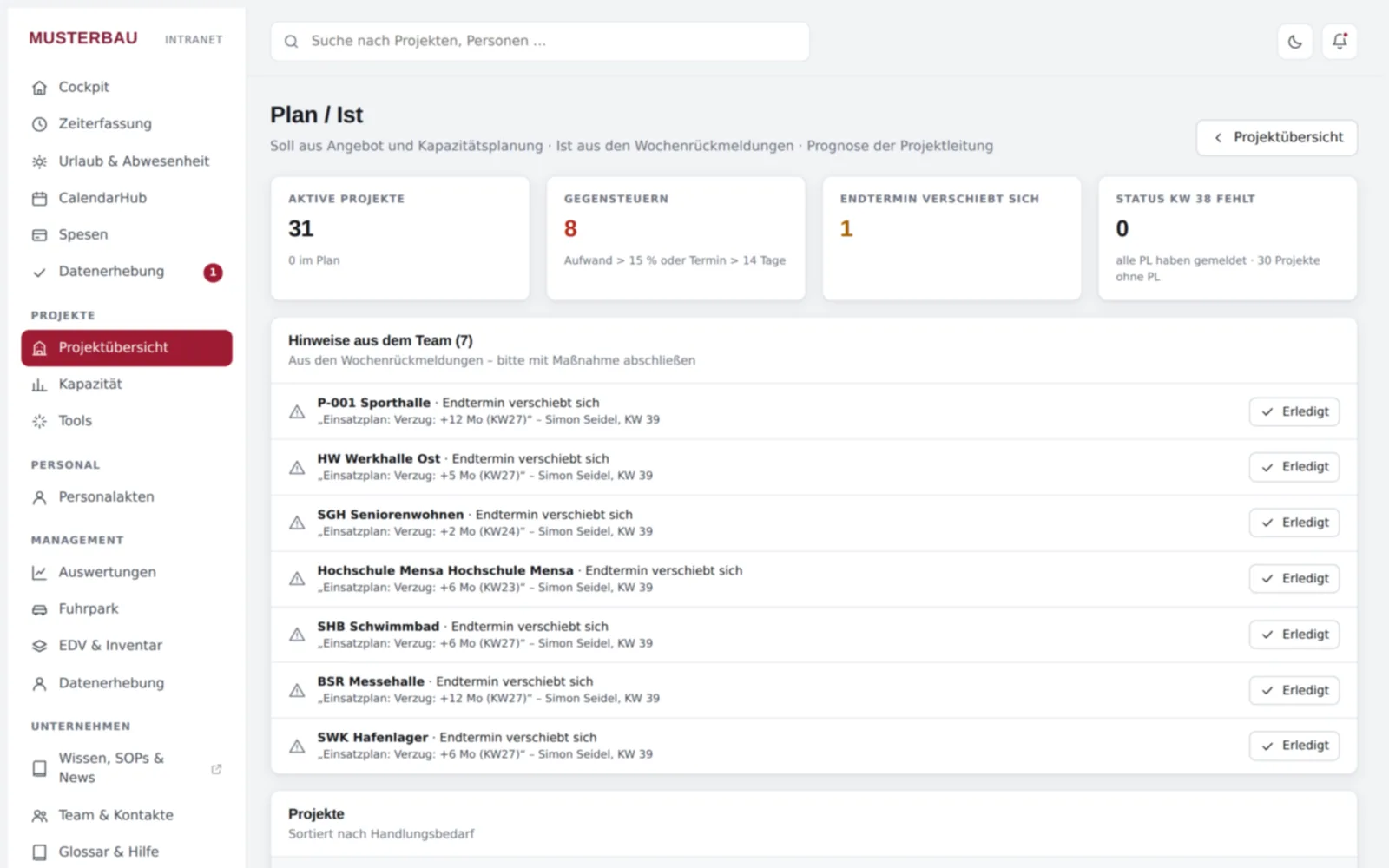
Project overview on a timeline, capacity planning with Excel import and plan/actual control: hours and personnel costs per project against plan and budget.
Calendar
Appointments and scheduling synchronised with Microsoft 365.
Expenses
Receipts, allowances and approval.
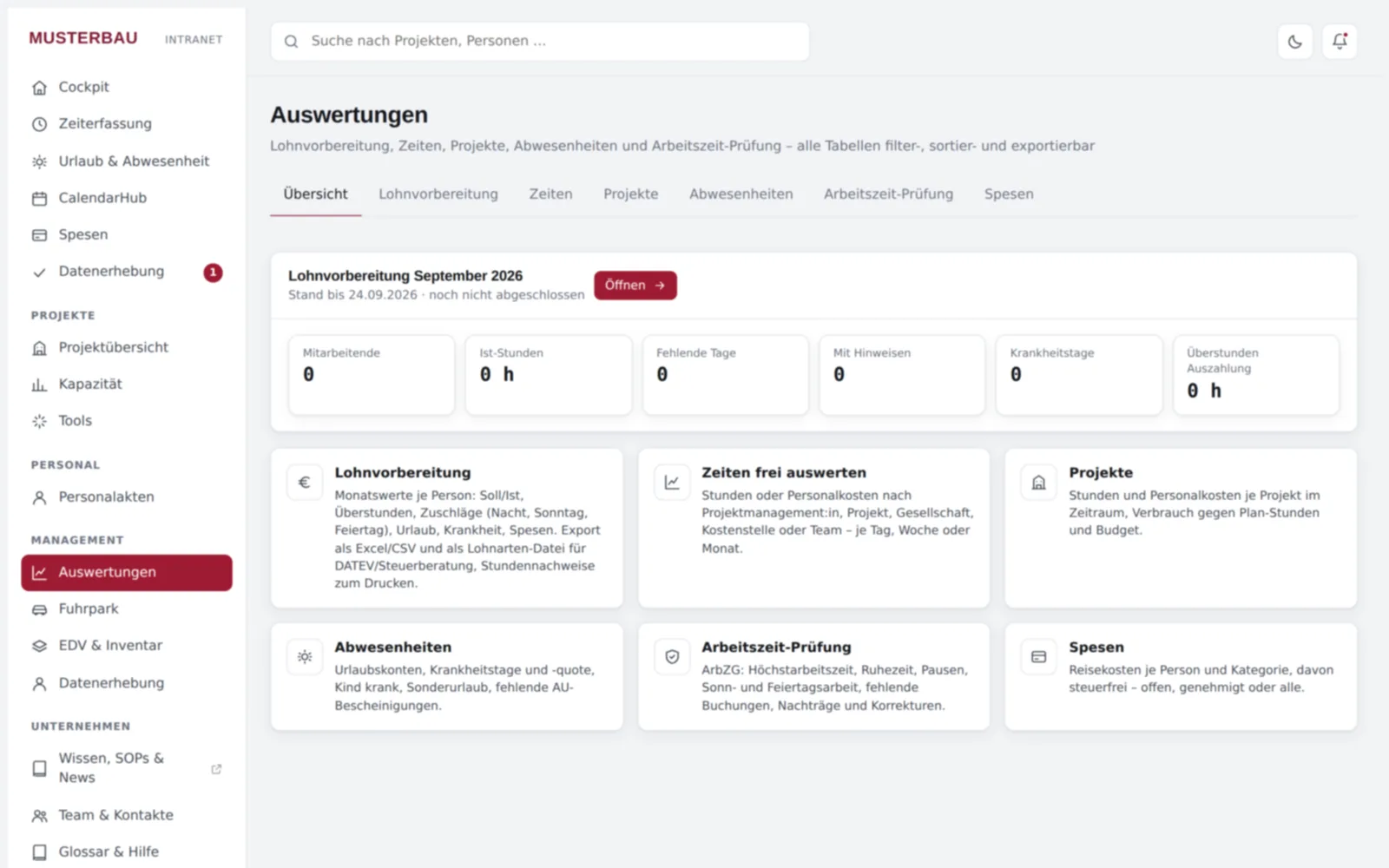
Reports & payroll preparation
CSV/Excel export incl. payroll preparation and timesheets for recording obligations (ArbZG/MiLoG); payroll export, e.g. for import into DATEV.
Tools
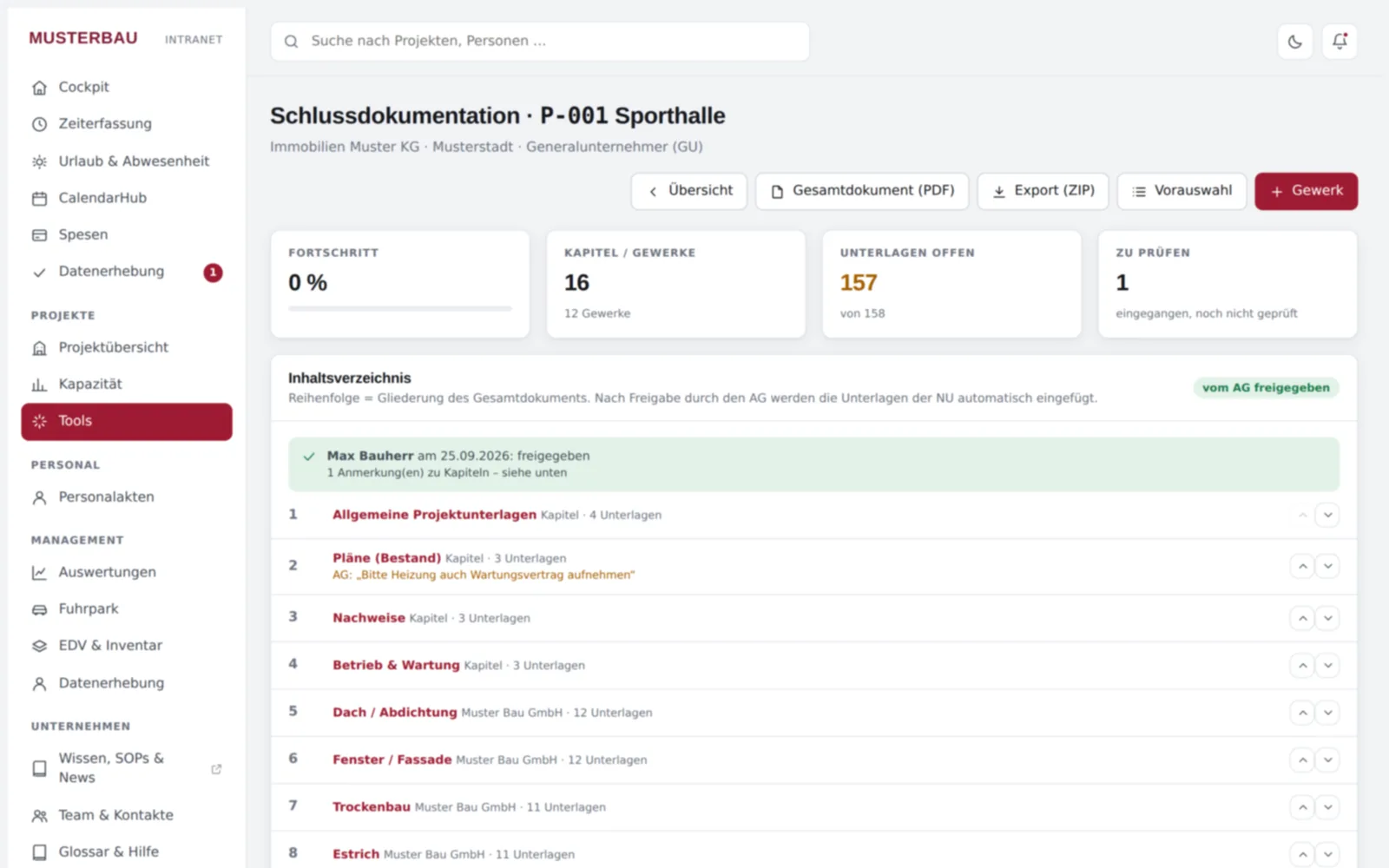
Vehicle management, IT management and final documentation (structure by trade, incoming documents, approval by the client, export as PDF/ZIP) – further tools to follow.
See innoclix hub in action
On the go
Time tracking and cockpit on the smartphone.
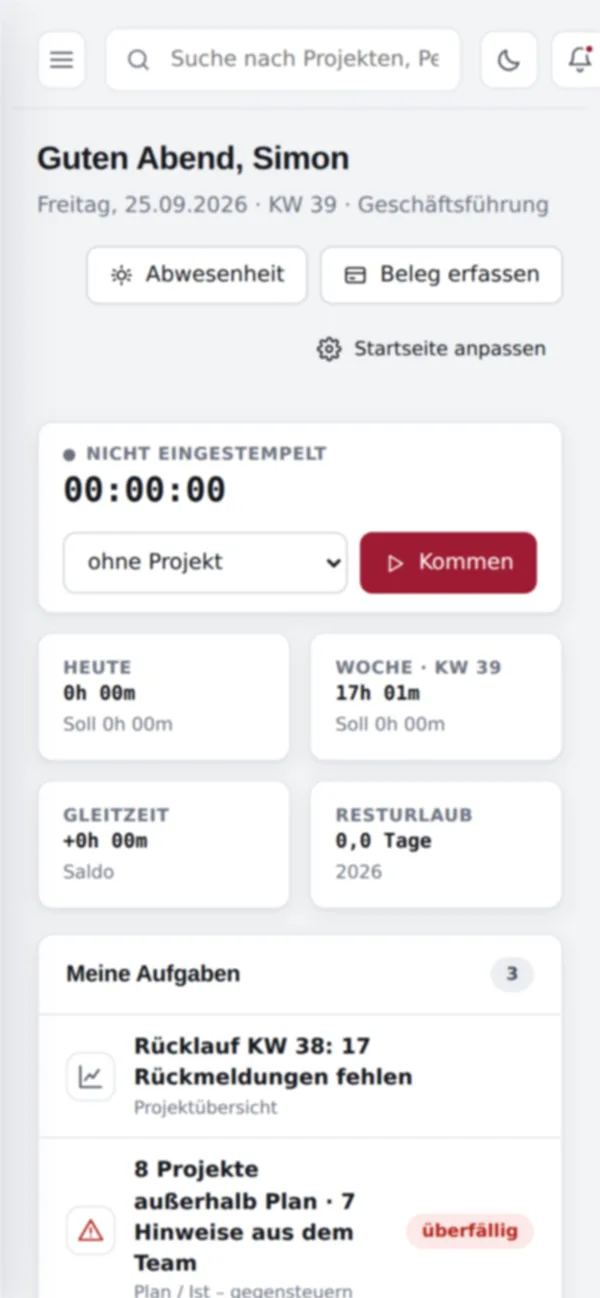
An intranet for any kind of company
innoclix hub is independent of industry – not only for construction and real estate. The time tracking policy can be configured for your company, for example with a working-time frame, project assignment, automatic stopping of forgotten time clocks and reminders. Exports are available for payroll accounting; wage types are agreed with your tax advisor.
Frequently asked questions about innoclix hub
What is innoclix hub?
innoclix hub is an intranet system for any kind of company that is ready to use and can be set up in just a few steps. It brings time tracking, leave and absence, personnel files, project controlling, calendar, expenses and reports together with tools such as vehicle and IT management in one place.
Who is innoclix hub for?
innoclix hub is ideal for any kind of company – regardless of industry. It supports roles from employees and department heads to HR and executive management and can handle multiple companies.
How do employees sign in to innoclix hub?
Sign-in works via Microsoft 365 (Microsoft Entra ID, single sign-on). The intranet itself stores no passwords.
Where is innoclix hub data stored?
innoclix hub is hosted in Germany. Changes and exports are also recorded in an audit log.
How does time tracking work in innoclix hub?
Employees clock in and out with a time clock and give weekly feedback. A configurable policy covers break rules under the German Working Hours Act (ArbZG), rounding, working-time frame and maximum hours, automatic stopping of forgotten time clocks, project assignment, correction deadline, month-end closing and overtime/flexitime; a timesheet supports the recording obligations under ArbZG and MiLoG.
Is there a payroll export, for example for DATEV?
Yes, innoclix hub offers an export for payroll accounting, for example for import into DATEV; wage types are agreed with your tax advisor. Further reports such as payroll preparation, timesheets, working-time checks, absences and projects can be exported as CSV or Excel.
Which tools does innoclix hub include?
innoclix hub includes vehicle management, IT management and final documentation with structure by trade, approval by the client and export as PDF/ZIP; further tools are in preparation. External tools such as costeo can be embedded as widgets.
How much does innoclix hub cost?
Pricing for innoclix hub is available on request. You can arrange a demo using the form at www.innoclix.de/en/demo/.
Ready to Transform Your Business?
Discover how innoclix can help you streamline processes, connect data, and achieve better results.