AI CRM: email a business card, contact done
innoclix crm is a CRM with AI developed by innoclix itself: contacts arrive automatically from a central CRM mailbox, the AI researches and rates companies, and after every call the CRM creates tasks, follow-ups and deals.
What is innoclix crm?
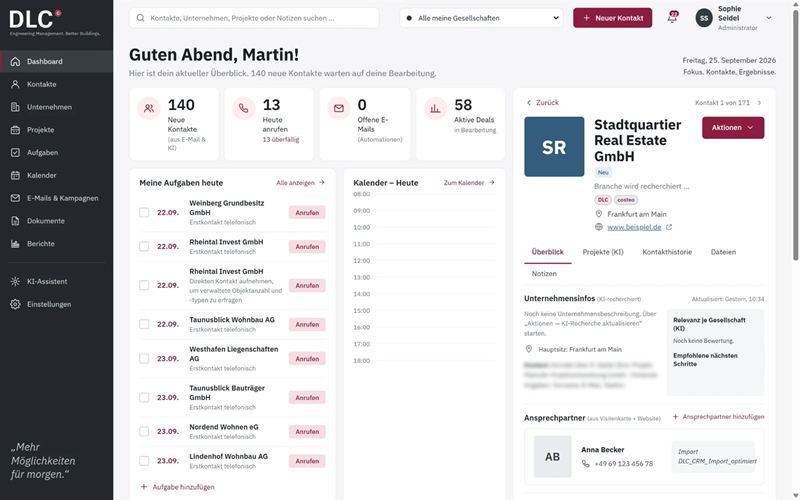
innoclix crm is a CRM tool for contact management and acquisition, developed by innoclix itself and working with AI. Instead of typing contact details by hand, you send emails or a photo or scan of a business card to a central CRM mailbox: an AI agent reads the details, creates the contact and company or enriches existing entries and researches company information. Contacts move through a pipeline from “New” to “Customer”; tasks, email drafts and deals are created automatically from call outcomes.
From business card to customer
A contact comes in
Send an email or a photo or scan of a business card to the CRM mailbox – or import contacts.
The AI understands and researches
The AI extracts the contact details, creates the contact and company and researches company information.
The task is prioritised
Calls and follow-ups are prioritised automatically – after the call, the CRM creates the next steps.
Everything for contacts and acquisition
Central CRM mailbox
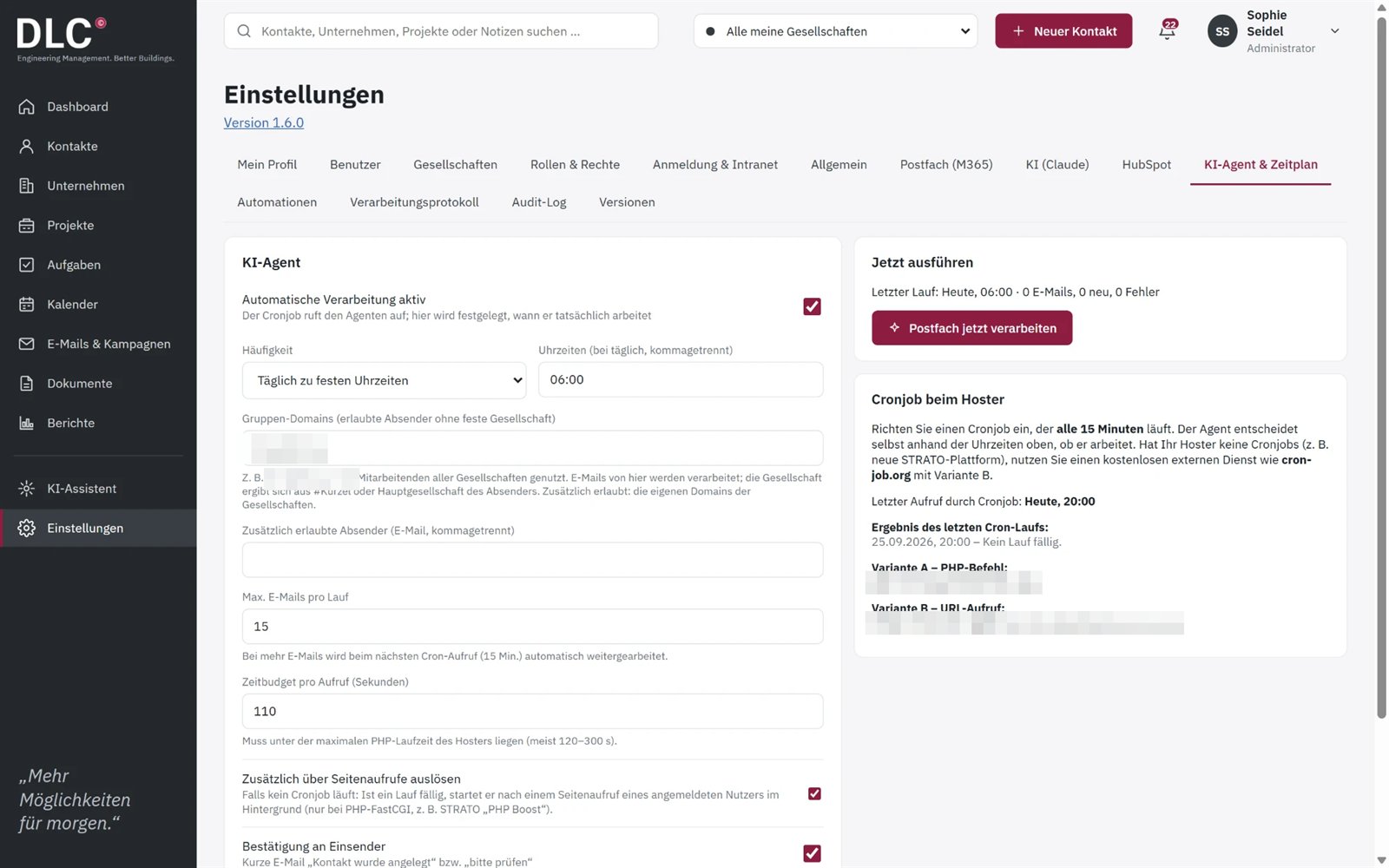
Send emails and business cards to one mailbox (e.g. Microsoft 365) – the AI agent processes it automatically on a schedule, with allowed sender domains and confirmation to the sender.
AI research & relevance
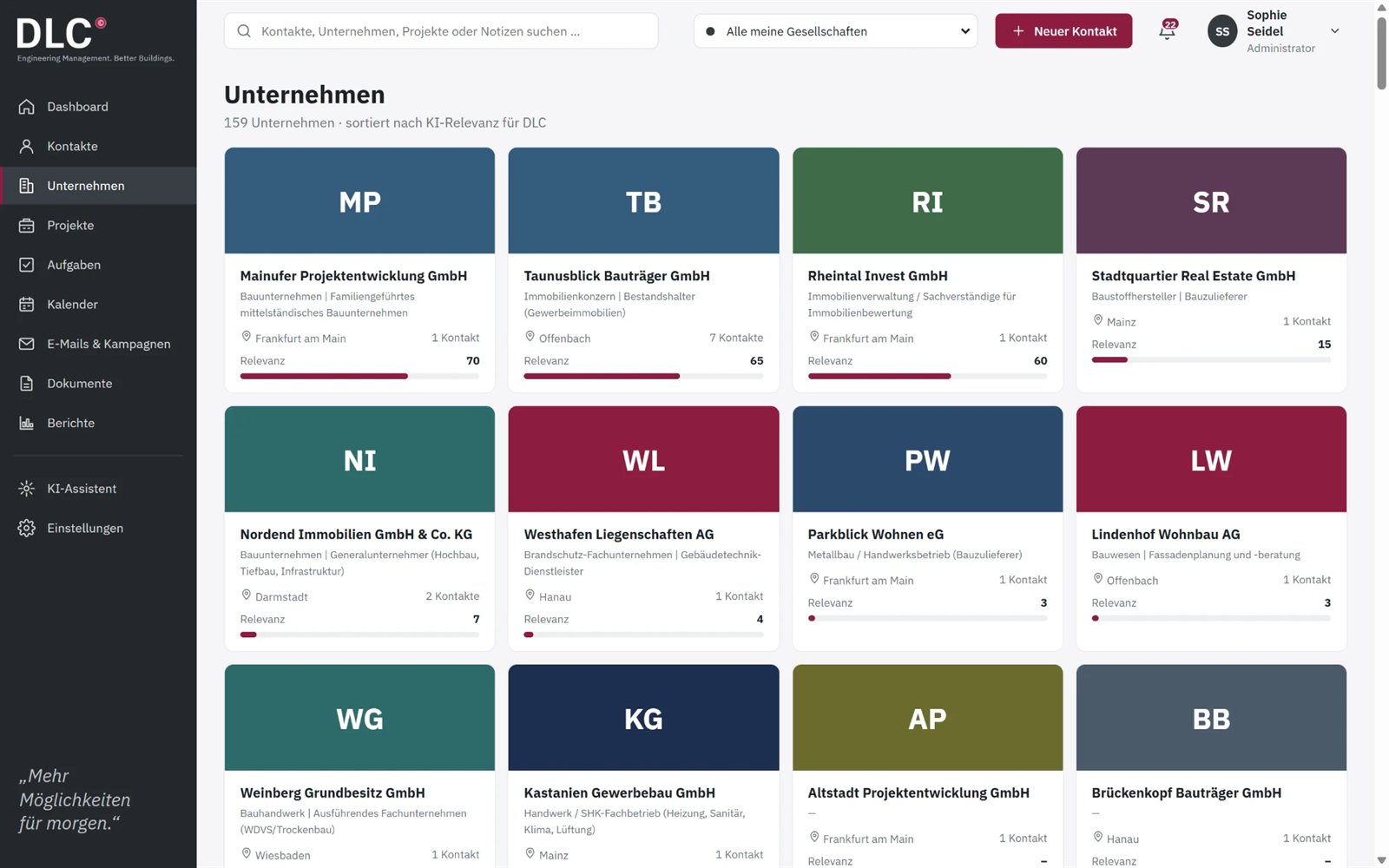
Company information is researched by AI, companies are sorted by AI relevance – with industry, location and number of contacts.
Pipeline with status
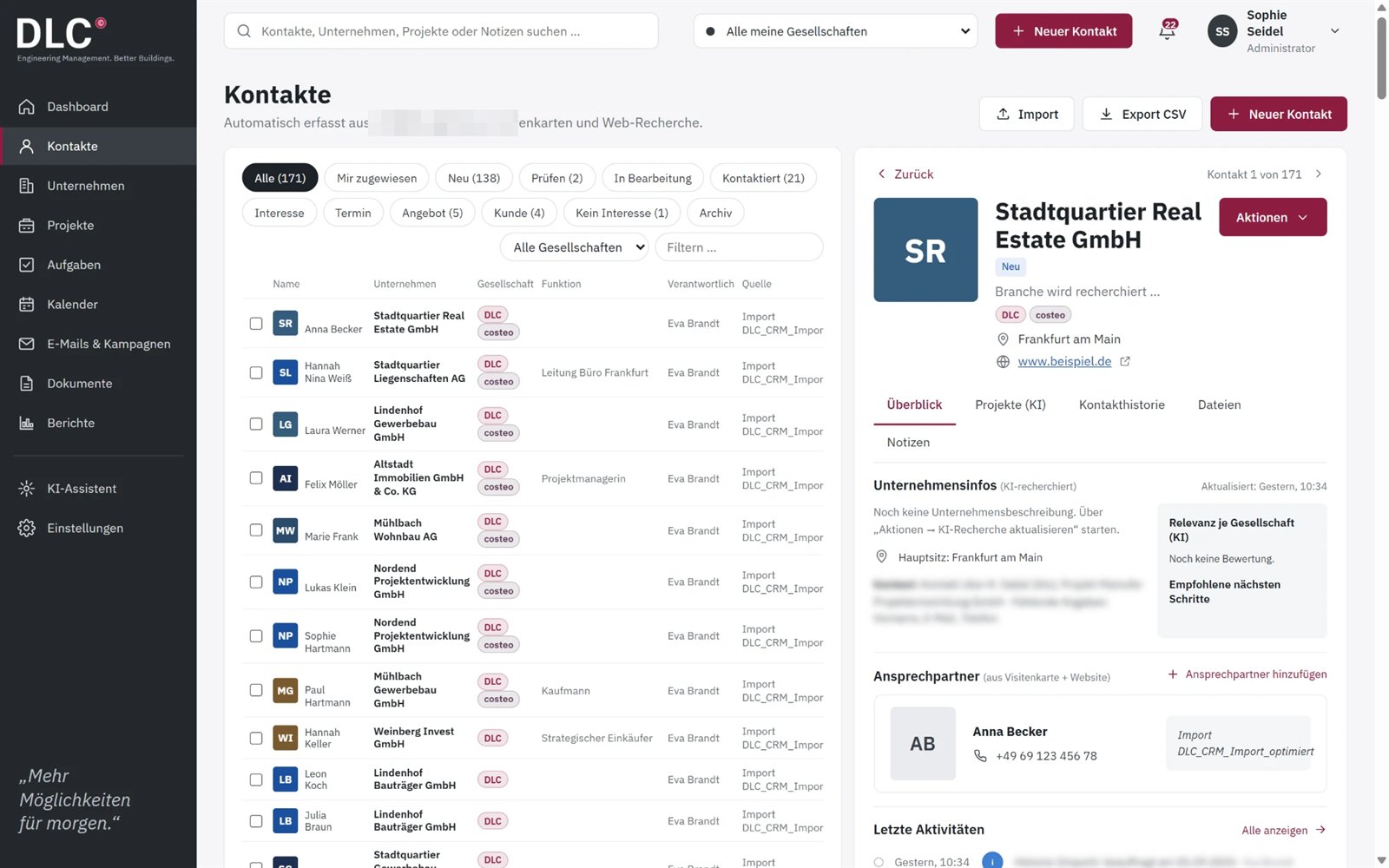
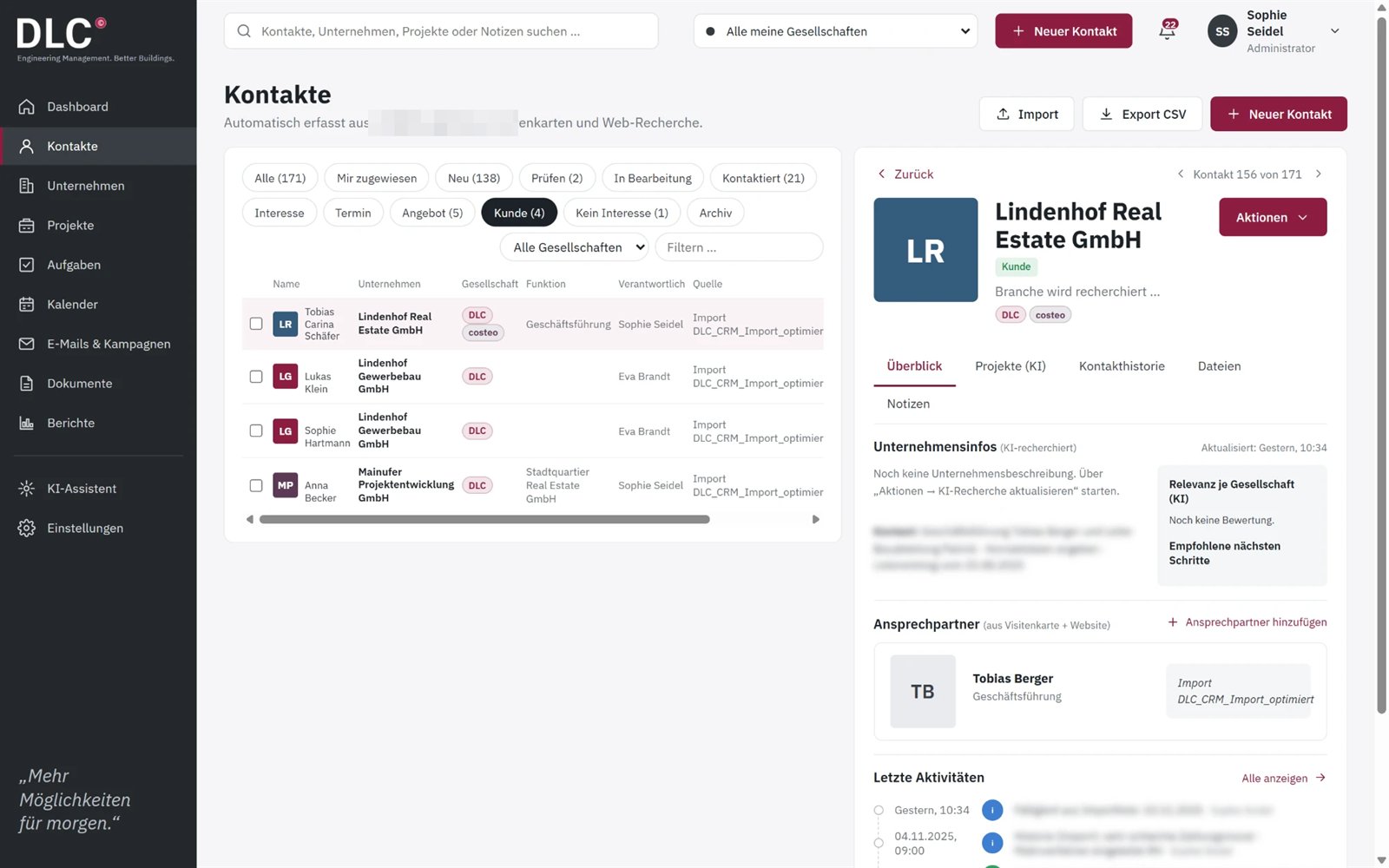
New → Contacted → Interest → Appointment → Offer → Customer, with filters per status.
Tasks & follow-ups
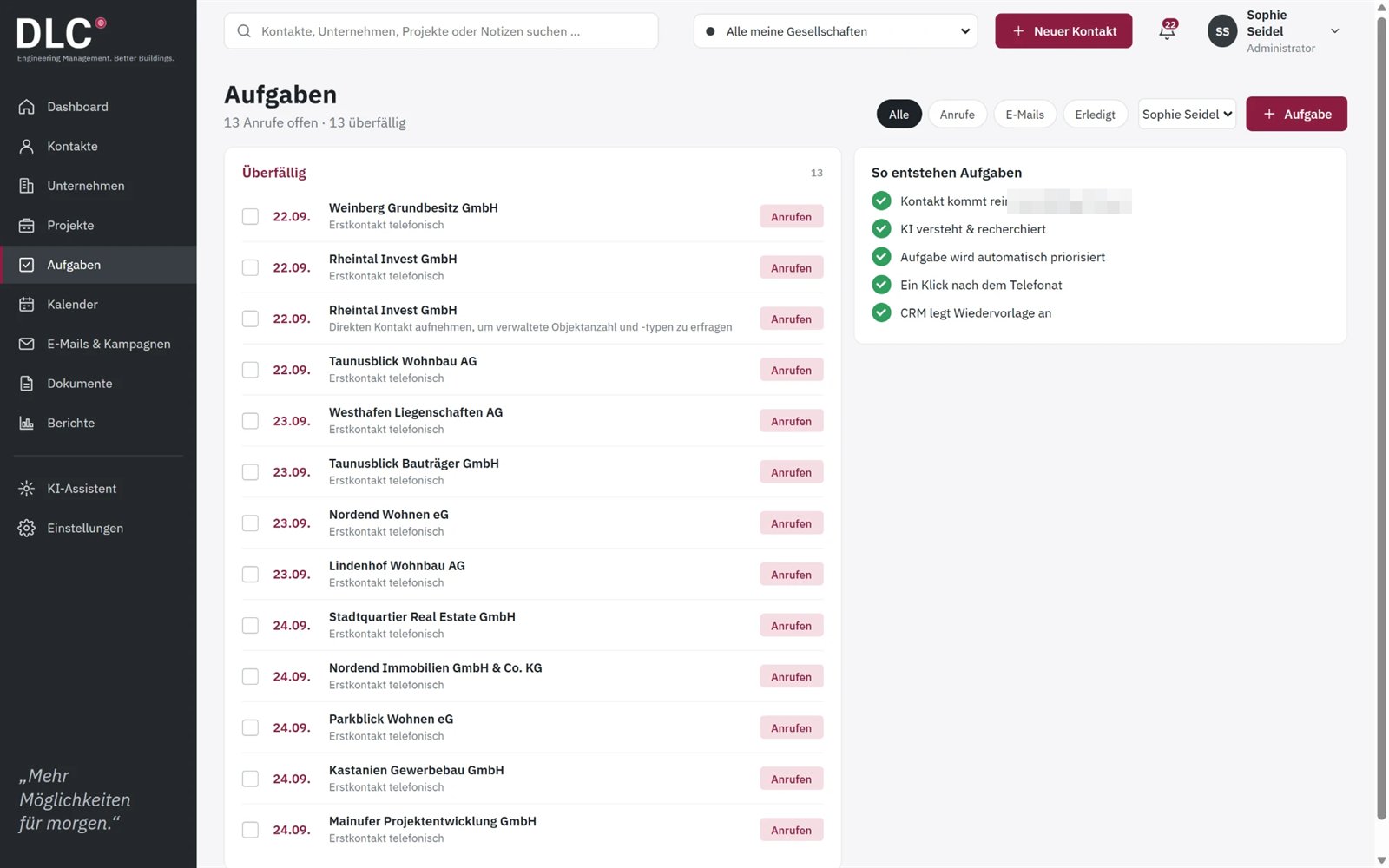
Calls are prioritised automatically; after the call, the CRM creates a follow-up, call-back or offer task depending on the outcome.
Email drafts with approval
Drafts are created after calls or from the contact view; they are sent from the personal mailbox after approval.
Deals
Deals with stage and value – for example created automatically when a call results in “Interest”.
Reports
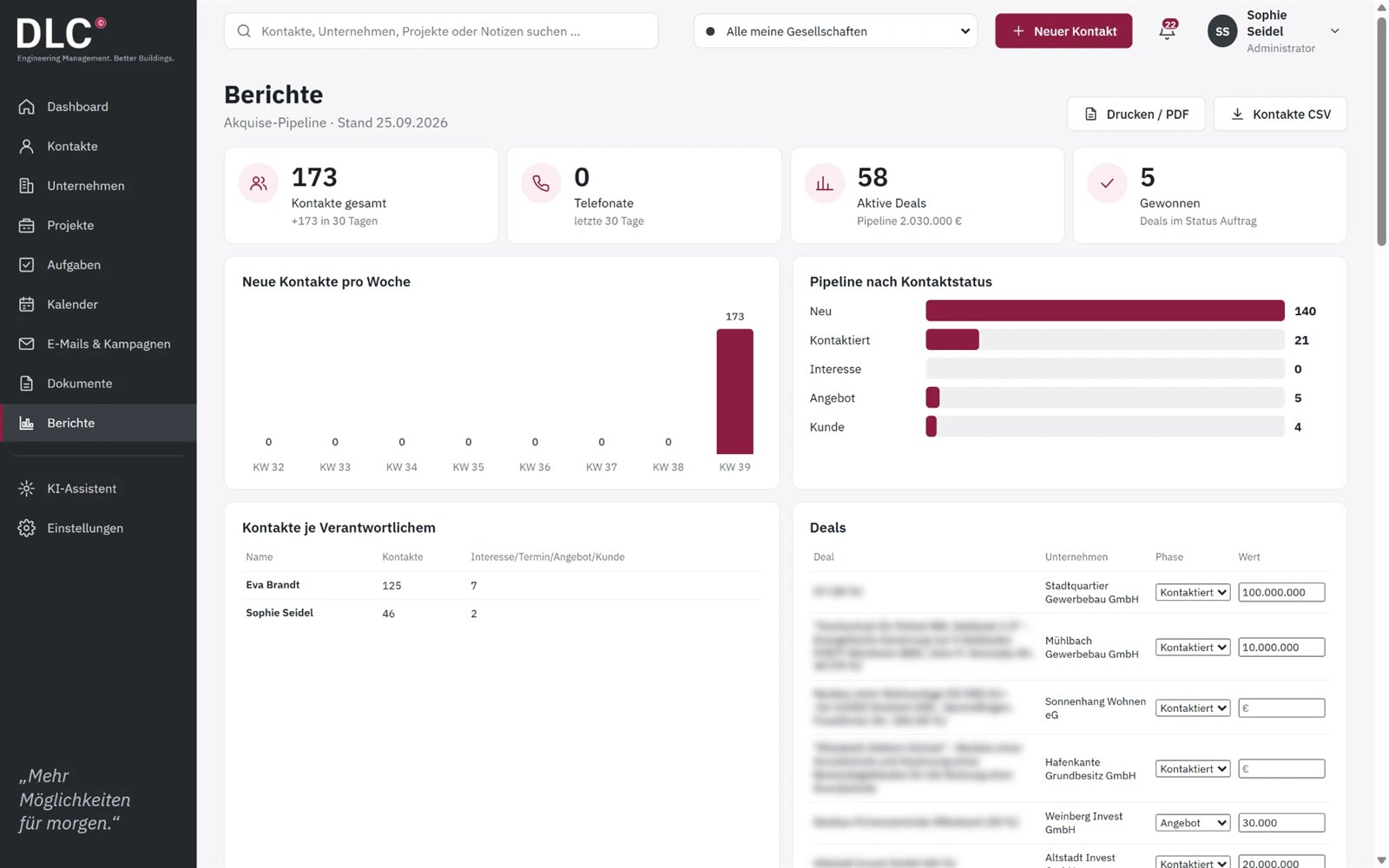
Acquisition pipeline, new contacts per week and pipeline by status – with print/PDF and CSV export.
AI assistant
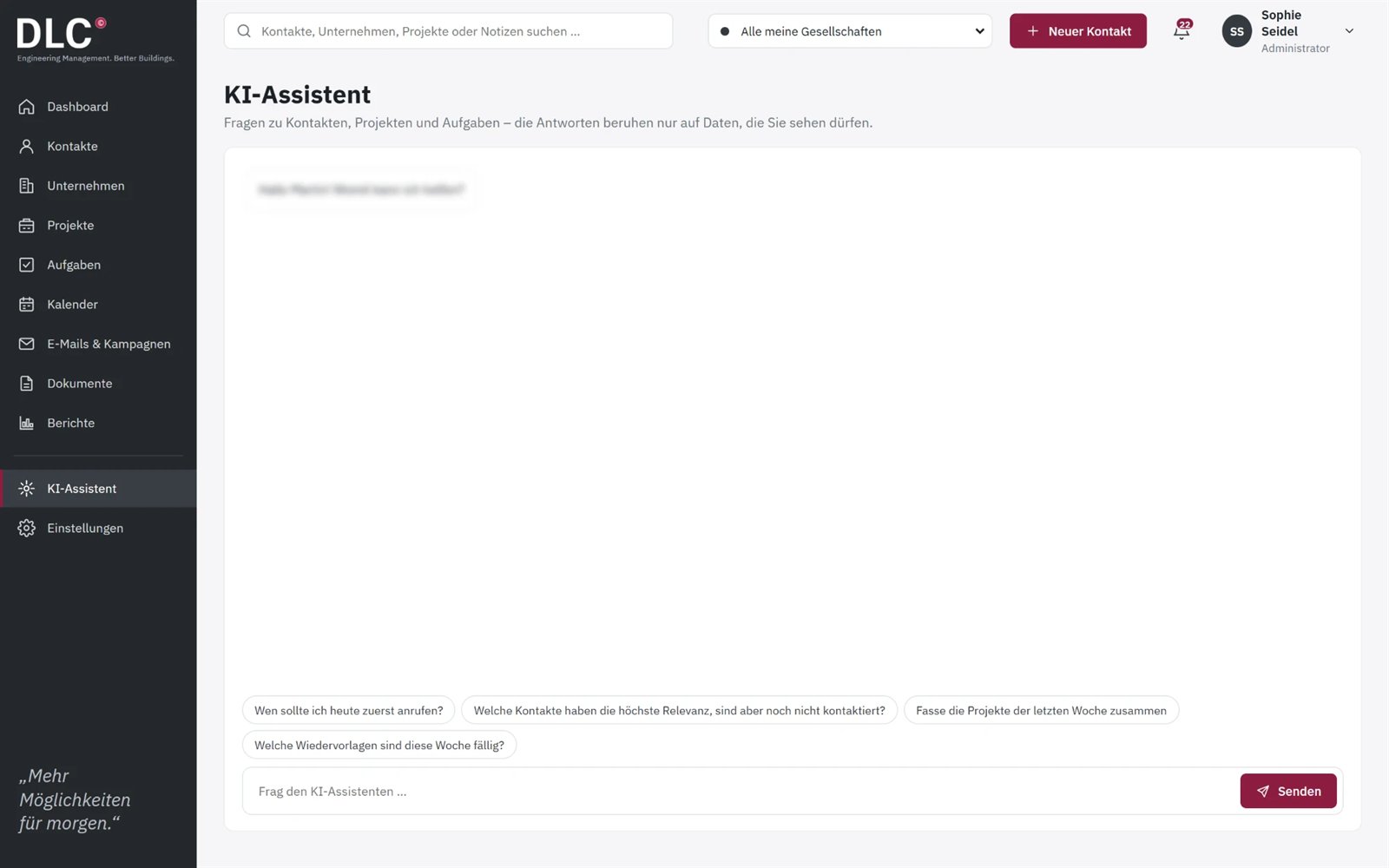
Questions about contacts, projects and tasks – answers are based only on data the user is allowed to see.
Multiple companies
Multiple companies in one system; contacts are assigned to companies.
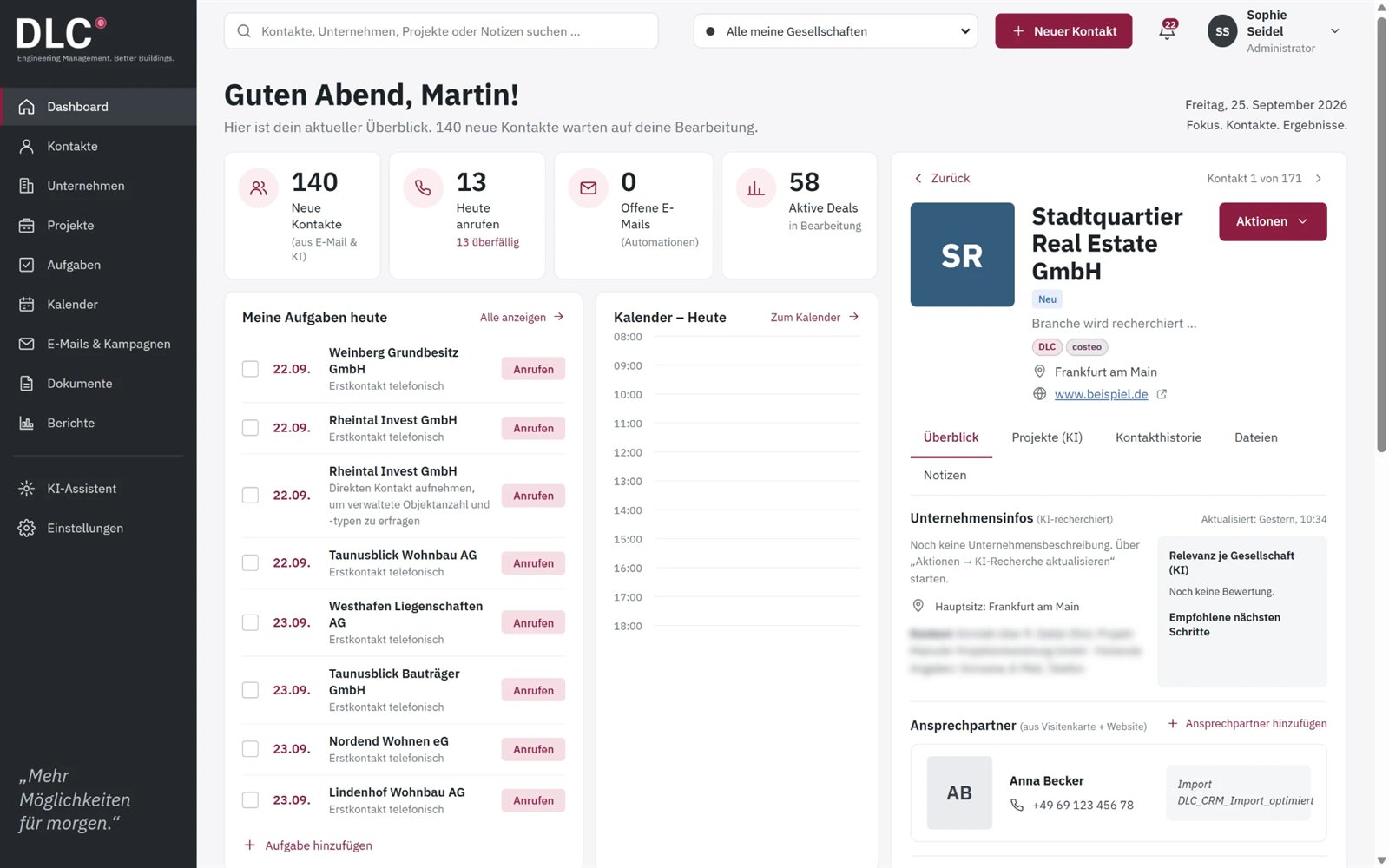
See innoclix crm in action
Frequently asked questions about innoclix crm
What is innoclix crm?
innoclix crm is a CRM tool developed by innoclix itself that works with AI. For example, it takes over contact details from business cards automatically and creates the contact and company in the CRM.
How does capturing business cards with innoclix crm work?
You send a photo or scan of the business card to an email address. The AI reads the details, creates the contact and company or enriches existing entries with information.
What does the AI do in innoclix crm?
The AI captures and analyses contacts and companies – for example from a business card sent by email. On top of that, there are further AI functions around contacts and companies.
How do contacts get into innoclix crm?
Via a central CRM mailbox: emails and business cards sent there are processed automatically by an AI agent on a schedule. Contacts can also be imported or created manually.
What happens in innoclix crm after a phone call?
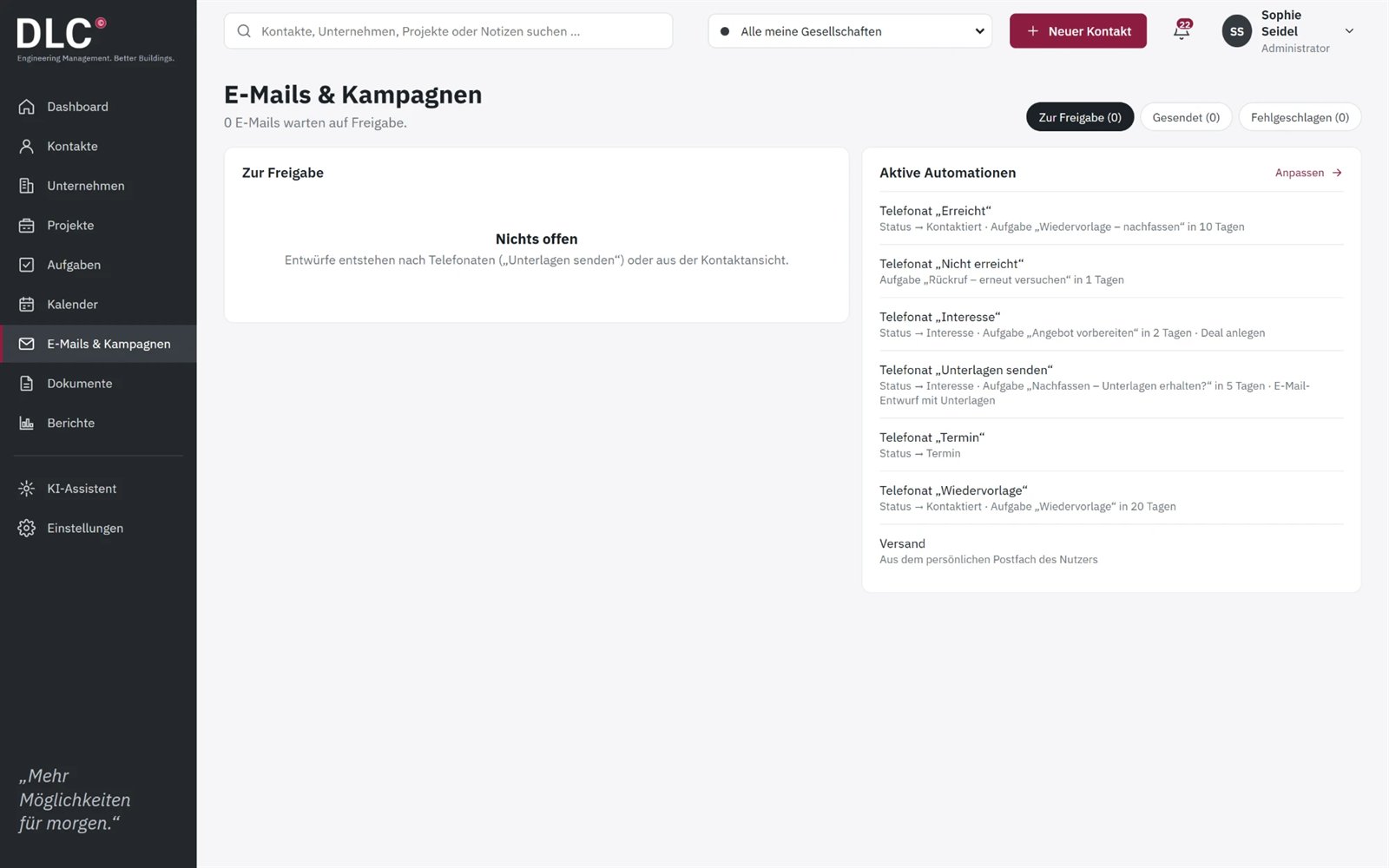
Depending on the outcome, innoclix crm automatically creates the next steps – for example a call-back task for “Not reached”, or for “Interest” the status Interest, the task “Prepare offer” and a deal. The automations can be adjusted.
Can I manage multiple companies with innoclix crm?
Yes, innoclix crm handles multiple companies in one system. Contacts are assigned to companies and can be filtered by company.
Is innoclix crm already available?
Yes, innoclix crm is fully developed and already in use. You can request a demo using the form at www.innoclix.de/en/demo/.
How much does innoclix crm cost?
Information on pricing for innoclix crm is available on request. You can arrange a demo using the form at www.innoclix.de/en/demo/.
Ready to Transform Your Business?
Discover how innoclix can help you streamline processes, connect data, and achieve better results.